
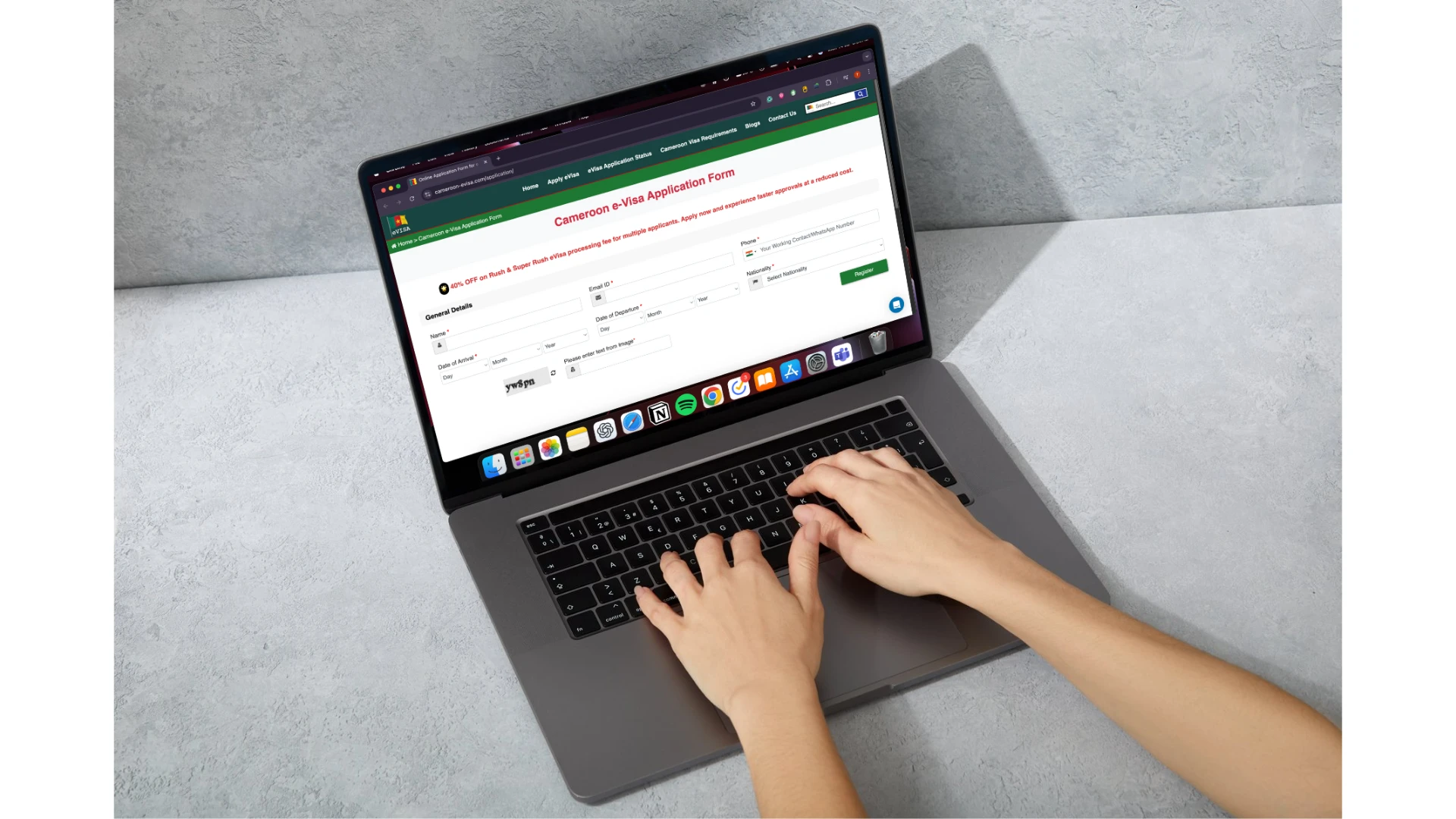
Application Guide to Cameroon’s Short-Stay eVisa
Video Transcript:
00:00 - 00:17:
Applying for a Cameroon e-visa is now simpler than ever, thanks to the user-friendly online system. Whether you're traveling for tourism, business, or transit, this short guide walks you through the basic steps to secure your e-visa from the comfort of your home.
00:17 - 00:32:
Step 1: Visit the official Cameroon e-visa portal. Go to the official Cameroon e-visa website and create a user account using your email address. This account allows you to save your progress and track your application status anytime.
00:32 - 00:46:
Step 2: Fill out the online application form. Carefully enter your details, passport information, and travel plans into the form. Make sure the information matches your passport exactly to avoid delays.
00:46 - 01:03:
Step 3: Upload documents and pay the visa fee. Upload clear digital copies of required documents such as your passport, passport photo, return ticket, yellow fever certificate, and proof of funds. Pay the visa fee online using a debit or credit card.
01:03 - 01:20:
Once your application is submitted, wait for email confirmation and tracking updates. If approved, your e-visa will be emailed to you. Print it and bring it along when traveling to Cameroon. With just a few clicks, you're set for a smooth and stress-free entry.

Comments
No comments yet. Be the first to comment!